Micro-frontends vs. Quick Apps vs. Mini-Programs: Navigating Modern Mobile Architecture
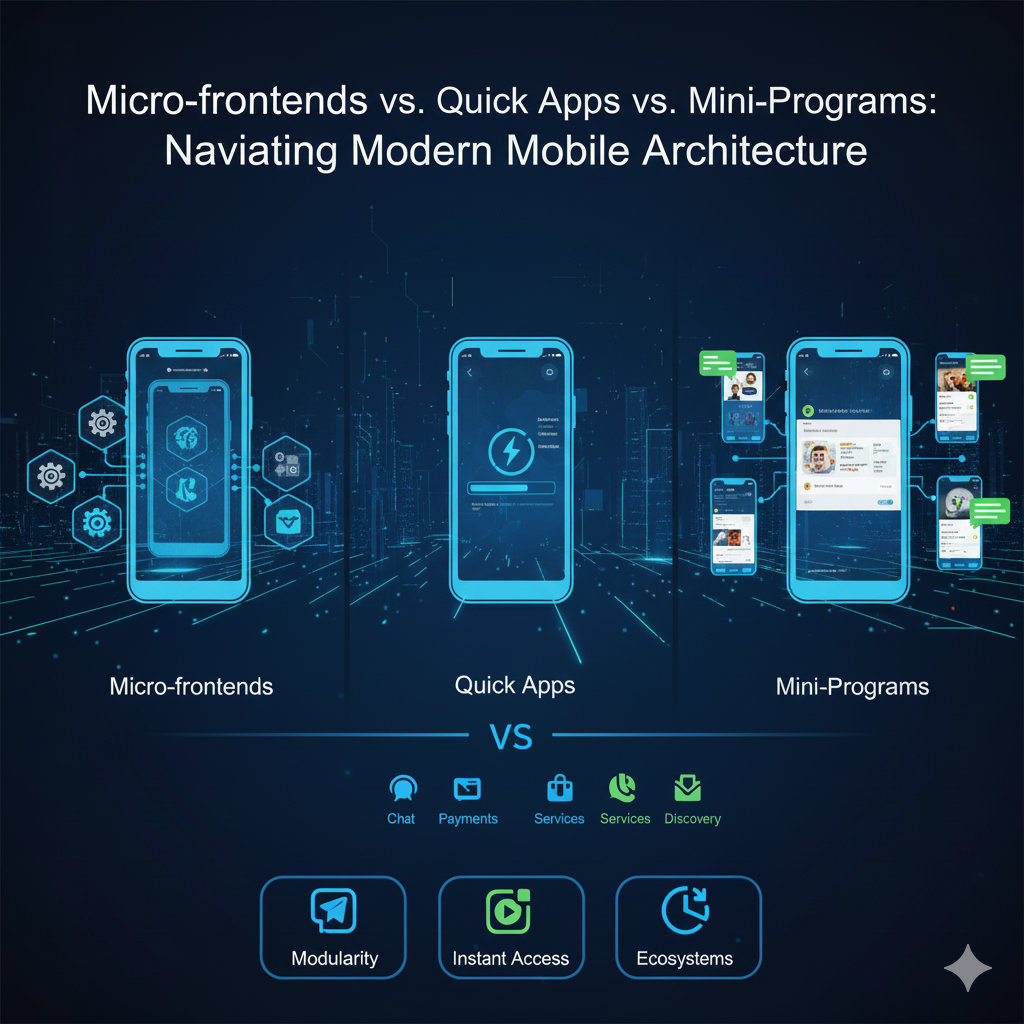
For years, mobile engineering teams have wrestled with a common enemy: the Monolithic Native App. As applications grow to encompass hundreds of features, codebases become bloated, build times stretch into hours, and release cycles slow to a crawl. The holy grail for CTOs and system architects is modularity—the ability for multiple teams to build, test, and deploy features independently without stepping on each other's toes.
To solve this, the industry has thrown around several buzzwords: Micro-frontends, Quick Apps
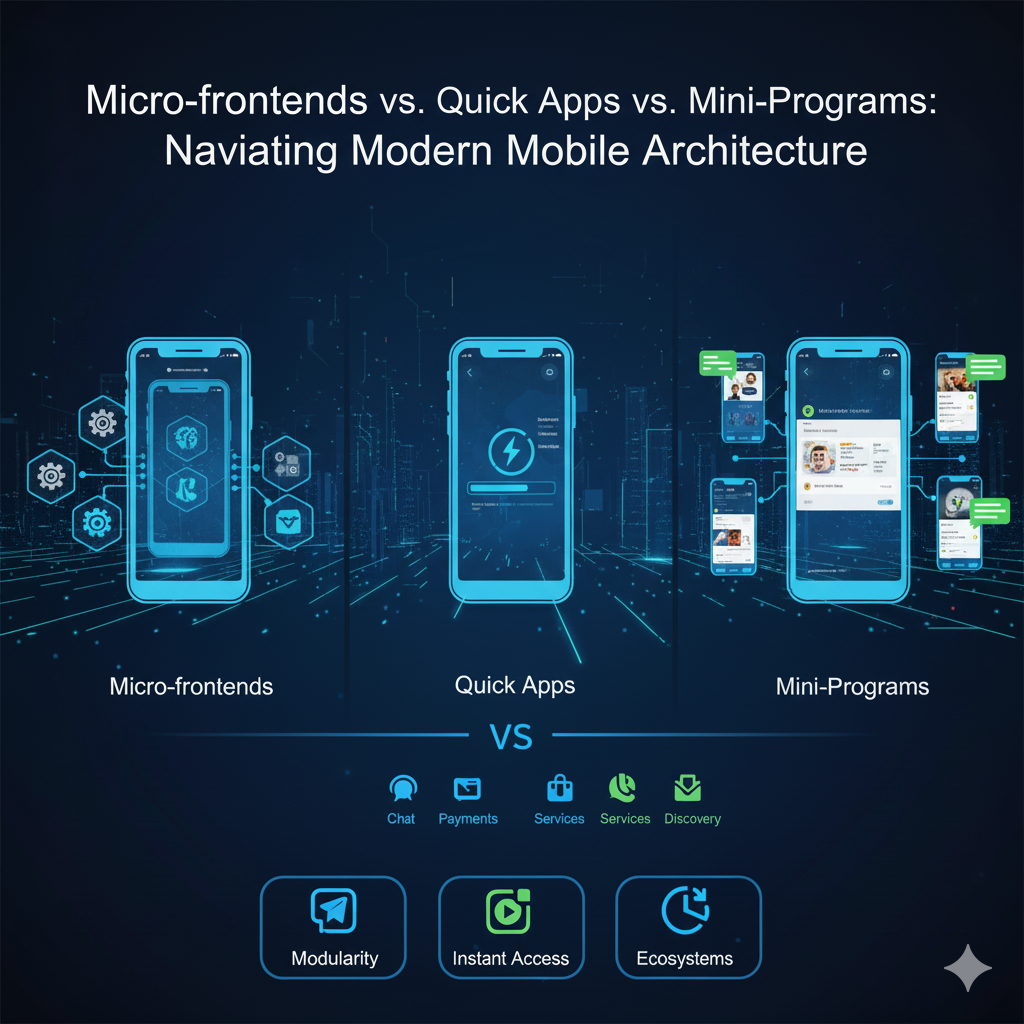
, and Mini-Programs.
However, these terms are frequently misunderstood and improperly conflated. Choosing the wrong architectural path can lead to massive technical debt. In this guide, we will demystify these three concepts, compare their technical merits, and reveal why the Mini-Program container model is the ultimate solution for modern mobile architecture.
1. Micro-frontends: The Web-Centric Approach
The concept of "Micro-frontends" originated in the web development world, largely popularized by tools like Webpack Module Federation. The idea is simple: take a large monolithic web application and slice it into smaller, independently deployable frontend modules (e.g., the shopping cart team deploys separately from the user profile team), which are then stitched together in the browser.
- The Mobile Problem: While Micro-frontends work beautifully for web browsers, forcing them into Native Mobile (iOS/Android) environments is a recipe for disaster.
- Technical Flaws in Mobile: Mobile web-based micro-frontends rely on shared DOMs within a WebView. This leads to styling conflicts, global variable pollution, and severe memory leaks. Furthermore, managing state and routing across different native and web boundaries creates a fragile, hard-to-debug "spaghetti architecture." Security is also a major concern, as an exploited vulnerability in one micro-frontend module can compromise the entire WebView context.
2. Quick Apps (快应用): The OS-Centric Standard
Quick Apps were introduced as a joint standard by an alliance of major Chinese Android hardware vendors, including Xiaomi, Huawei, Vivo, and Oppo. The goal was to create apps that require no installation, launching instantly directly from the operating system's hardware level.
- How it works: Quick Apps use a frontend framework (similar to Vue.js) but map directly to native UI components at the Android OS level, providing excellent performance.
- The Fatal Flaw: Quick Apps are fundamentally handicapped by their ecosystem limitations. They are strictly Android-only. Apple’s iOS does not, and will never, support them. For any modern enterprise, ignoring the iOS user base is out of the question. Furthermore, because they rely on hardware vendors, cross-vendor compatibility issues frequently arise (a Quick App might run perfectly on Huawei but glitch on Xiaomi).
3. Mini-Programs: The App-Centric Container
Mini-Programs represent the "Goldilocks zone" of mobile architecture. Popularized by super apps but now available to any enterprise via third-party SDKs, Mini-Programs act as secure, isolated sub-applications that run inside a Host App.
- The Architecture: Unlike standard web Micro-frontends, Mini-Programs utilize a highly optimized Dual-Thread Sandbox. The UI rendering is separated from the JavaScript business logic. They do not share a single fragile DOM.
- The Advantages:
- True Cross-Platform: A mini-program written once will run identically on both iOS and Android host apps.
- Sandboxed Security: If a mini-program crashes, it does not crash the host app. It cannot access host app memory or native APIs without explicit permission.
- OTA Updates: Development teams can push updates Over-The-Air instantly, completely bypassing the grueling App Store / Google Play review process.
The Ultimate Comparison & The FinClip Solution
When evaluating these architectures for an enterprise mobile app, the scorecard becomes clear:
- Web Micro-frontends: Too fragile and slow for native mobile UX.
- Quick Apps: Excellent performance, but fatally limited to specific Android devices.
- Mini-Programs: Highly performant, secure, cross-platform, and agile.
Implementing "Mobile Micro-frontends" with FinClip
So, how does a CTO actually implement a Mini-Program architecture without building a proprietary engine from scratch? This is exactly what FinClip was engineered to do.
FinClip is the industry’s leading Mini-Program Container SDK. By integrating FinClip into your monolithic iOS or Android app, you instantly transform it into a modular Super App platform.
FinClip acts as the ultimate realization of Mobile Micro-frontends:
- Decoupled Engineering: Team A can build the "Payment Module" as a mini-program, while Team B builds the "Customer Support Module." They deploy independently via the FinClip Admin Console.
- Instant Rollbacks & Canary Releases: You can test a new mini-program feature on 5% of your users and roll it back in seconds if an error occurs.
- Legacy Modernization: You don't need to rewrite your entire native app. Keep your stable core native code, but build all new dynamic features as FinClip mini-programs.
Conclusion
Monolithic mobile apps belong in the past. To achieve true agility, engineering teams must embrace modular architecture. While Web Micro-frontends are the wrong tool for the job, and Quick Apps are limited by hardware vendor wars, the Mini-Program architecture provides the perfect balance of native performance, web agility, and enterprise security.
By leveraging container technologies like FinClip, architects can seamlessly decouple their codebases, scale their engineering teams efficiently, and deliver a dynamic, constantly evolving experience to their users on both iOS and Android.