Is Your App an Operating System? The Structural Shift to Super App Platforms
Introduction: The Rise of the "Meta-OS"
In the history of computing, the definition of an "Operating System" (OS) has evolved. Initially, it was the software that managed the bare metal of mainframes. Then, it became the graphical interface of the Personal Computer (Windows, macOS). In the mobile era, iOS and Android emerged as the duopoly controlling the hardware of our smartphones.
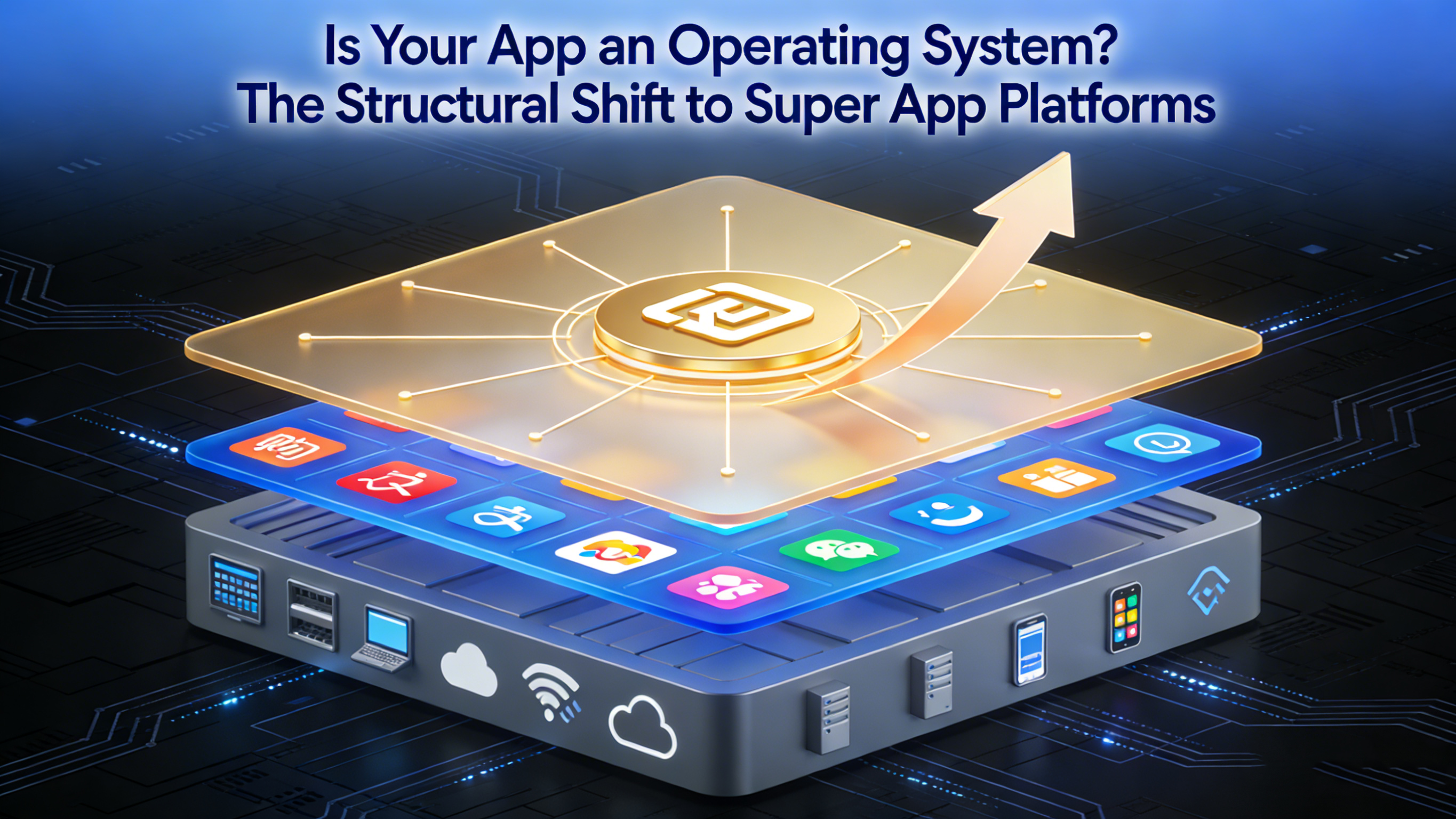
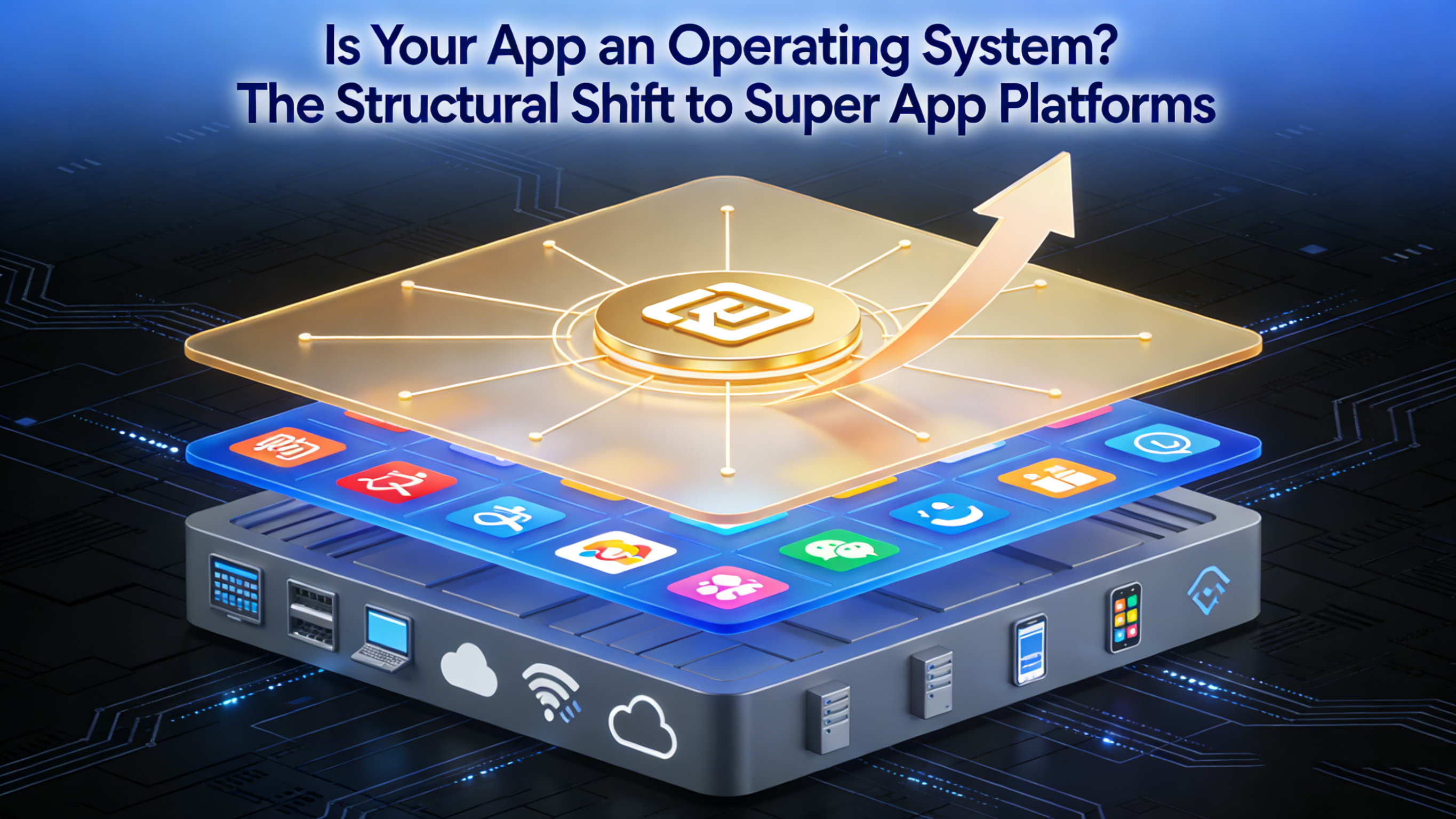
However, as we navigate through 2026, a new layer of abstraction is forming. The most successful digital platforms in the world—WeChat, Grab, Alipay, Gojek—have ceased to be mere "applications." They have evolved into "Meta-Operating Systems" or "Cloud Operating Systems" that sit on top of the native mobile OS.
For enterprise strategists, this distinction is not merely semantic; it is the key to survival in a saturated digital market. If you view your mobile product as an "App," you are competing for a icon on a screen. If you view your product as an "Operating System," you are building an ecosystem.
This article explores the structural shift from Monolithic Apps to Super App Platforms, arguing that the Host App must now function as a Kernel, and FinClip provides the necessary Runtime Environment to make this transformation possible.
1. The OS Metaphor: Deconstructing the Host App
To understand why the Super App architecture is superior, we must analyze it through the lens of operating system design.
In a traditional OS (like Linux or Windows), the Kernel has specific responsibilities: it manages hardware resources, ensures security through process isolation, and provides APIs (System Calls) for software applications to function.
In the Super App paradigm, the Host App (your banking app, your retail app, your employee portal) assumes the role of the Kernel.
The Host as the Kernel
The Host App is no longer responsible for delivering every piece of business logic. Instead, it is responsible for providing the shared infrastructure—the "Hardware Abstraction Layer"—that other services need to run:
- Identity Management: Just as an OS handles user login, the Host App manages the unified user identity (SSO), passing authentication tokens to mini-apps so users never have to log in twice.
- Payment & Wallet: Just as an OS manages I/O, the Host App manages the "Transaction I/O," providing a standardized payment gateway that any mini-app can invoke.
- Location & Sensors: The Host App bridges the physical capabilities of the device (GPS, Bluetooth, NFC) to the virtual layer.
Mini-Apps as "User-Space" Software
In this metaphor, Mini-Apps are the software programs running in "user-space." They are lightweight, on-demand, and decoupled from the kernel.
- Decoupling: A crash in Microsoft Word does not crash Windows. Similarly, a crash in a "Movie Booking" mini-app should not crash the main "Banking" Host App.
- Sandboxing: An OS prevents one program from reading the memory of another. Similarly, the Super App architecture uses secure containers (Sandboxes) to ensure that a third-party mini-app cannot access the host’s sensitive data without explicit permission.
By adopting this mental model, enterprises realize that their goal is not to build features, but to build a robust Kernel that enables others to build features.
2. The "Browser" Fallacy: Why Super Apps Are Not Just WebViews
A common counter-argument from technologists is: "Isn't this just a mobile browser? Why not just use HTML5 websites?"
This is the "Browser Fallacy." While Super Apps often use web technologies (JavaScript/CSS) for their mini-apps, equating a Super App to a Web Browser is a strategic error.
A Browser is a passive window to the open web. It is stateless, insecure by default, and has limited access to the device. A web page inside a browser feels ephemeral and disconnected from the hardware.
A Super App, powered by a container like FinClip, is an active, managed runtime.
State Management and Persistence
When you close a web tab, the state is often lost. In a Super App, the runtime manages the lifecycle of the mini-app. It can cache data locally, maintain background processes, and "wake up" instantly. This creates a "Native-Like" persistence that the web cannot match.
The Native Bridge
A standard browser is restricted by standard Web APIs. A Super App Runtime has a Native Bridge.
FinClip allows the Host App to expose custom, proprietary native functionality to the JavaScript layer.
- Example: A Logistics company has a specialized barcode scanner on their industrial PDAs. A standard browser cannot access this hardware. With FinClip, the Host App exposes ft.scanBarcode(), allowing the web-based mini-app to control the specialized hardware with zero latency.
Governance and Trust
A browser renders whatever URL you type in. It is an open door. A Super App is a Walled Garden. The Host App (Kernel) decides exactly which mini-apps are allowed to run. It audits the code, enforces design guidelines, and acts as the gatekeeper. This curated experience creates a level of trust and security that the open web lacks.
3. FinClip as the Kernel: The Buy vs. Build Decision
If we accept that a Super App is an Operating System, then we must acknowledge that building an Operating System is incredibly difficult.
It requires deep expertise in rendering engines, JavaScript virtualization, memory management, and security sandboxing. For a Bank or a Retailer, building a proprietary mini-app runtime from scratch is a massive distraction from their core business. It involves millions of dollars in R&D and years of maintenance to keep up with iOS and Android updates.
FinClip positions itself as the commercially available "Off-the-Shelf Kernel" for your Super App.
The FinClip Runtime Environment
FinClip provides the standardized SDK that acts as the runtime environment. By embedding the FinClip SDK, any native iOS or Android app instantly gains the ability to:
- Parse and Render: Interpret the standard Mini-App syntax (FIMP) which is compatible with widely used standards.
- Isolate: Create secure sandboxes for each mini-app instance.
- Bridge: Handle the communication between the JS Logic Thread and the Native UI Thread.
The App Store Backend
An OS needs a distribution mechanism (like the Windows Store or apt-get). FinClip provides the complete Management Console and App Store Backend. This includes the versioning systems, the audit workflows, and the permission management controls required to govern an ecosystem.
By licensing FinClip, enterprises effectively "buy" the Operating System capabilities, allowing them to focus entirely on "Application Layer" value—recruiting partners and building business logic.
4. Strategic Sovereignty: Escaping the Duopoly
Why is this shift to an "App OS" strategy urgent in 2026? It comes down to Digital Sovereignty.
For the past 15 years, every business has been a tenant on the platforms of Apple and Google. These giants dictate the rules, the release cycles, and the taxation (30% fees).
By building a Super App with FinClip, an enterprise builds a Sovereign Platform on top of the duopoly.
- Release Sovereignty: You no longer need Apple's permission to update a business module. You push the update to your mini-app store, and it propagates to users instantly. You control the timeline.
- Economic Sovereignty: You create your own economy. You can charge your own commission fees to partners who publish on your platform. You control the monetization.
- Data Sovereignty: In a public ecosystem, the OS owner (Apple/Google) sees the user's behavior. In a FinClip Super App, you see the user's behavior across all mini-apps. You own the first-party data asset.
Conclusion: The Platform Imperative
The transition from "App" to "OS" is the defining characteristic of digital maturity in 2026.
Monolithic apps are dead ends. They are hard to update, hard to scale, and isolate the user in a single vertical. Super Apps are living ecosystems. They grow, adapt, and connect.
To execute this strategy, you need a robust technological foundation. You need a Kernel that is secure, performant, and standards-compliant. FinClip provides this foundation. It allows any enterprise to stop building fragile software and start orchestrating a powerful, sovereign operating system.
The question is no longer "Do I need an app?" The question is "Am I ready to run an ecosystem?"