From Screens to Stores: Transforming Digital Signage into Interactive Touchpoints
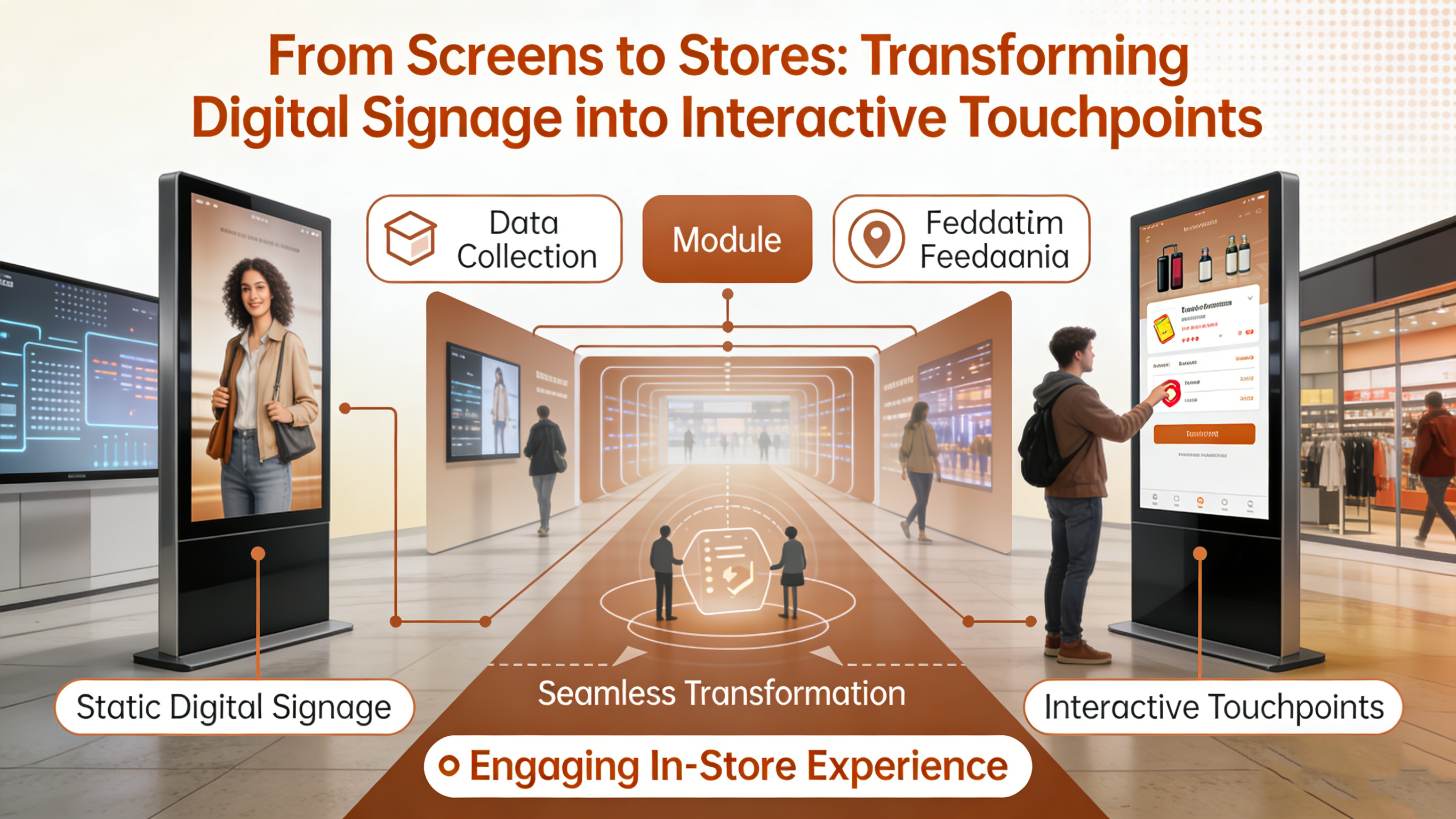
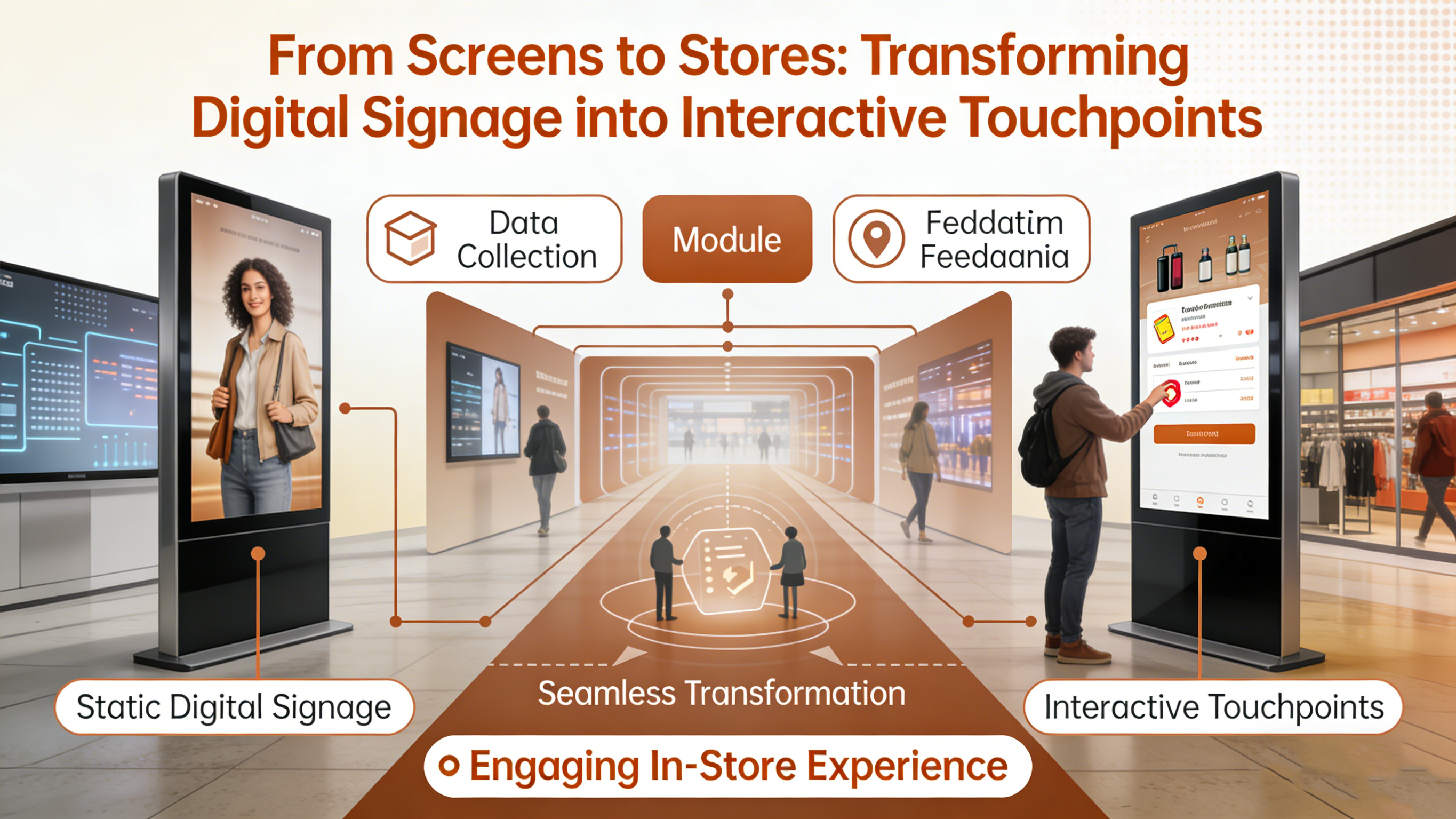
Executive Summary: The Death of the Passive Screen
For the last two decades, the Digital Signage industry has operated on a simple model: The Playlist.
Whether in an airport, an elevator, or a shopping mall, the screen is essentially a dumb video player. It loops a sequence of MP4 files. It is passive, unmeasurable, and disconnected from the viewer's journey.
In 2026, advertisers and retailers demand more. They want Engagement (clicks, touches, leads) and Attribution (did this ad drive a sale?).
A static video file cannot provide this. An Application can.
The future of Digital Out-of-Home (DOOH) media is Interactive. It requires screens to function less like televisions and more like giant smartphones. However, managing native Android apps across a fleet of 10,000 screens is an operational nightmare.
FinClip resolves this by introducing a standardized Mini-App Runtime to the signage world. By running lightweight, updateable mini-apps on public screens, media operators can transform passive inventory into active, transactional touchpoints.
1. The Architecture: Android as the Base, FinClip as the OS
Most modern digital signage hardware runs on a forked version of Android.
Traditionally, operators install a monolithic "Player APK" that downloads and plays videos. Updating the logic of this player requires a firmware update or a heavy APK reinstall, which is risky and bandwidth-intensive.
The FinClip Paradigm Shift:
Instead of a "Video Player," the operator installs the FinClip Container as the main launcher.
- The Content is Code: Instead of downloading a 500MB video file, the screen downloads a 2MB Mini-App package.
- Dynamic Rendering: The Mini-App renders the ad using HTML/CSS/JS. It can include animations, live data (weather, stock tickers), and interactive buttons.
- Hardware Abstraction: FinClip handles the communication with the screen’s peripherals—cameras, touch sensors, and NFC readers—exposing them to the mini-app via simple JavaScript APIs.
This turns the screen into a programmable canvas. You can push a new "Christmas Game" mini-app to 5,000 screens in seconds, without touching the underlying Android OS.
2. Gamification and Touch: Capturing Attention
Attention spans are short. To stop a passerby, you need to offer value.
FinClip enables high-performance Interactive Advertising.
Scenario: The Mall Kiosk
A cosmetic brand wants to promote a new lipstick.
- The Passive Way: Play a video of a model wearing the lipstick. (Passerby ignores it).
- The FinClip Way: The screen runs a "Virtual Mirror" mini-app. Using the screen’s camera and FinClip’s WebGL capabilities, passersby can "try on" the lipstick digitally on the screen.
- The Interaction: The user taps the screen to change shades. The rendering is instant (60fps) because FinClip runs locally on the device GPU, not via a laggy cloud stream.
This interaction creates a Dwell Time of minutes, not seconds. It transforms the ad space into an experience.
3. The Mobile Handoff: Seamless O2O (Offline-to-Online)
The biggest challenge in DOOH is closing the loop. How do you take a user from looking at a wall to buying on their phone?
QR Codes are the standard link, but they usually lead to slow, login-gated websites.
FinClip enables "State Transfer" technology.
Because the screen is running a Mini-App, and the user's phone (e.g., the Mall Super App) is also running FinClip, the transfer is seamless.
The Workflow:
- Public Screen: User plays a "Spin the Wheel" game on the digital signage. They win a 20% coupon.
- The Trigger: The screen displays a dynamic QR code containing the Game Session ID.
- The Scan: The user scans it with the Mall App.
- The Handoff: The exact same Mini-App opens on their phone, instantly picking up the state. The coupon is now in their mobile wallet.
This is not just a link; it is App Portability. The logic moves from the wall to the pocket, carrying the user's intent and data with it.
4. Bandwidth and Reliability: The Edge Computing Advantage
Managing a network of 4K screens over 4G/5G connections is expensive. Downloading gigabytes of video content burns data plans.
FinClip dramatically reduces bandwidth costs.
- Code vs. Video: A mini-app that generates animations programmatically is 95% smaller than a pre-rendered video file of the same animation.
- Edge Caching: FinClip caches the assets locally. If the internet goes down, the mini-app continues to run. It can queue interaction data (e.g., "50 people touched the screen") and sync it when connectivity returns.
For large networks (e.g., elevator screens), this bandwidth saving alone can justify the ROI of the platform migration.
5. Programmatic Ads: The "Smart" Playlist
Programmatic advertising allows brands to bid for ad slots in real-time.
FinClip brings Logic to programmatic buying.
A mini-app can contain conditional logic:
- If (Camera detects > 3 people) -> Show "Group Deal".
- If (Camera detects only men) -> Show "Men’s Fashion".
- If (Weather API says "Raining") -> Show "Umbrella Ad".
Because this logic runs on the Edge (on the screen itself), it is instant and privacy-compliant (no video stream is sent to the cloud, only local analysis). This makes the inventory more valuable to advertisers because it is context-aware.
Conclusion: The Screen as a Store
The era of "Spray and Pray" advertising on public screens is ending.
Retailers and Media Owners need to convert their real estate into Intelligent Endpoints.
FinClip provides the operating system for this transformation. It allows you to deploy apps, not just ads. It connects the physical screen to the user's mobile device, creating a unified digital journey that starts on the wall and ends at the checkout.
Don't just show them the product. Let them interact with it.
Activate your screens. Deploy FinClip for Digital Signage.