Designing the Super App: How to Manage Cognitive Load in an Infinite Ecosystem
Introduction: The Super App Paradox
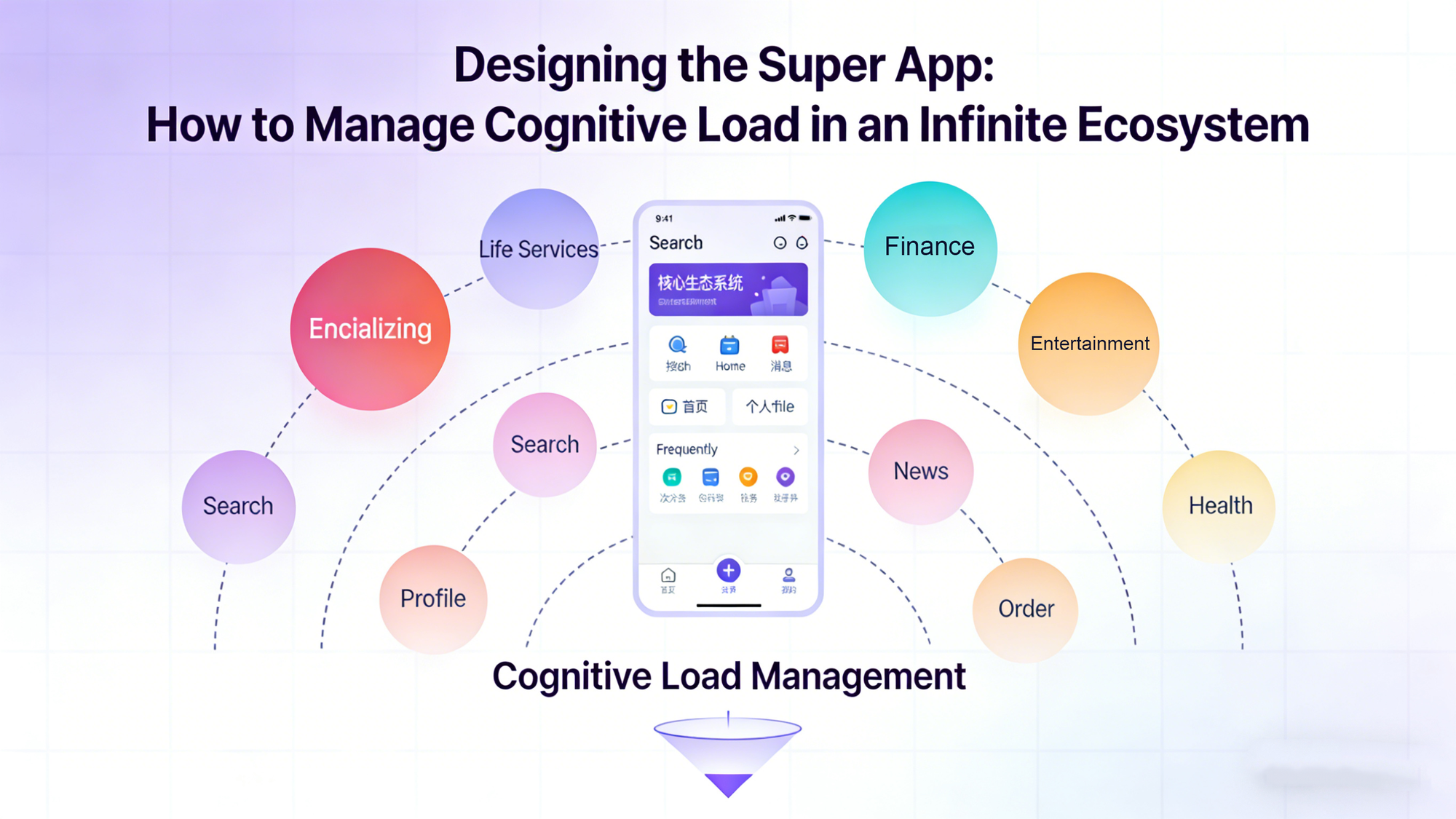
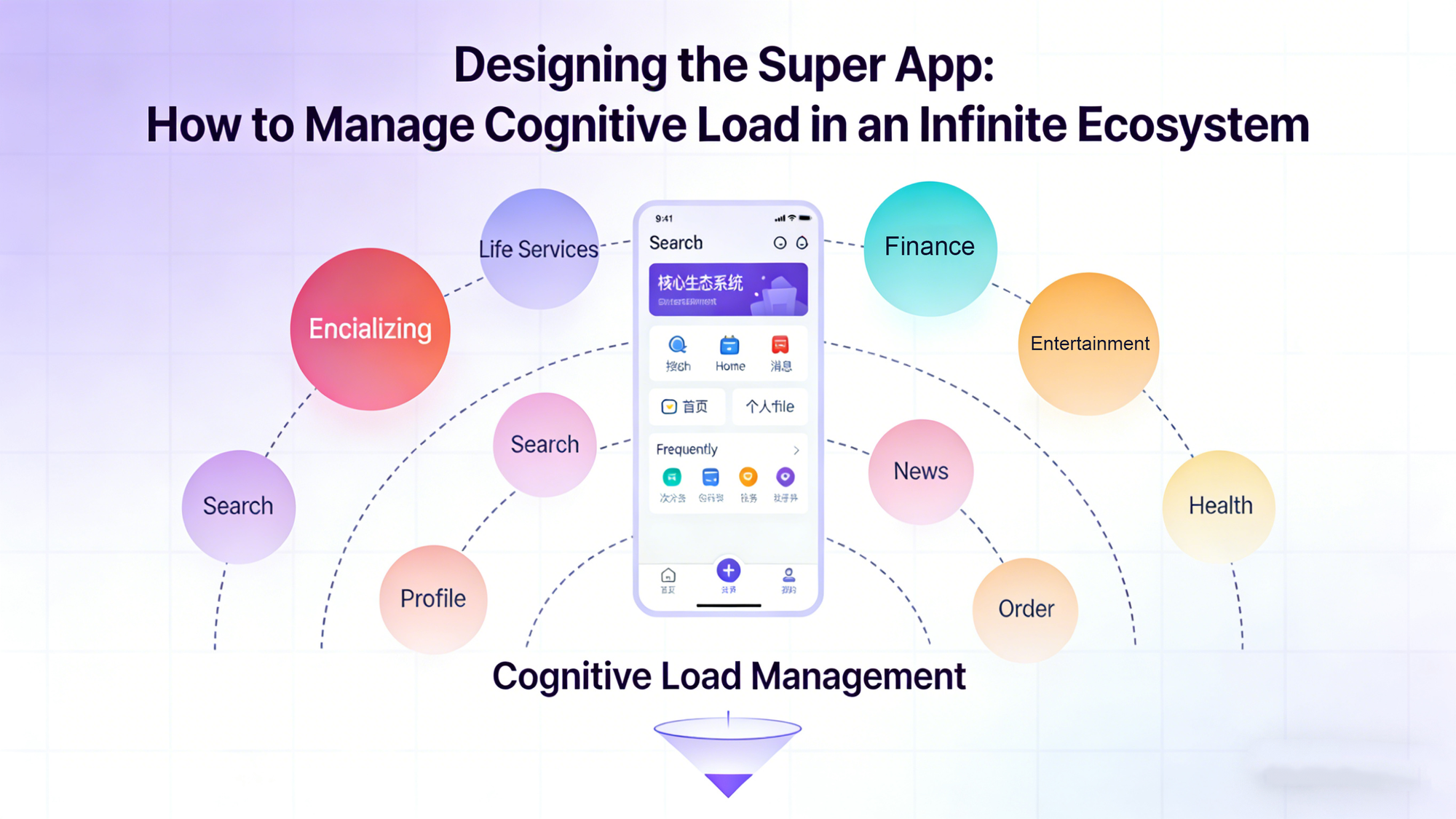
In the architectural transition from a "Single-Purpose App" to a "Super App," product teams inevitably face a crisis of design. We call this the Super App Paradox: The strategic goal is to aggregate infinite services to maximize user value, but the human brain has a strictly finite capacity for processing information.
When an app evolves from having 5 features to having 500 mini-programs, the traditional mobile design patterns break down. The "Hamburger Menu" becomes a junk drawer. The "Grid of Icons" becomes a visual assault. If a user opens your banking app to check a balance and is bombarded with icons for cinema tickets, flower delivery, and insurance, the result is not engagement—it is Cognitive Overload.
Cognitive load is the amount of mental processing power needed to use an interface. When load exceeds capacity, users experience anxiety and abandonment.
Therefore, designing a Super App is not about pixel perfection; it is about Information Architecture (IA) and Context. This article explores how to design a scalable Super App interface that remains simple on the surface while being infinite underneath, utilizing the dynamic capabilities of the FinClip container.
1. The Death of the Static Dashboard: Overcoming Hick’s Law
The most common mistake in early-stage Super App design is the "Portal Approach"—creating a static homepage filled with rows and rows of tiny icons.
This design violates Hick’s Law, a psychological principle stating that the time it takes to make a decision increases logarithmically with the number and complexity of choices. By showing a user 20 icons, you are effectively paralyzing them.
The "Progressive Disclosure" Strategy
To solve this, modern Super App design must adopt Progressive Disclosure. The interface should only show what is necessary at that specific moment.
FinClip’s architecture enables this by decoupling the "App" from the "Menu." Because mini-programs are loaded dynamically, they do not need to permanently occupy screen real estate.
- The Core: The bottom navigation bar should remain reserved for the high-frequency "Kernel" functions (e.g., Chat, Wallet, Home).
- The Surface: The homepage feed should not be a static grid, but a dynamic canvas that rotates "Service Cards" based on relevance.
We must move from "Here is everything we have" to "Here is what you need right now."
2. Context-Aware Interfaces: The Shapeshifting UI
If we cannot show everything, how do we know what to show? The answer lies in Context-Aware Computing.
A true Super App acts like a digital concierge. It uses data signals—Time, Location, and Behavior—to predict user intent and restructure the UI dynamically. FinClip serves as the rendering engine for this shapeshifting interface.
Scenario A: Time-Based Morphing
- 08:00 AM: The user opens the app. The FinClip engine detects the time. The homepage prioritizes the "Ride-Hailing" and "Coffee Pre-order" mini-apps.
- 07:00 PM: The user opens the app. The UI shifts. The "Food Delivery" and "Streaming Service" mini-apps take the prime visual spots.
Scenario B: Geo-Fenced Triggering
- The Airport Use Case: When the user’s GPS enters the geo-fence of an international airport, the Super App shouldn't look like a banking app anymore. It should transform.
- FinClip Execution: The Host App detects the location and triggers the FinClip runtime to load the "Boarding Pass," "Duty-Free Shop," and "Travel Insurance" mini-apps into the foreground.
This is Generative UX. The interface is not hard-coded; it is generated in real-time based on the user's physical context. FinClip’s efficient cold-start time allows these context-specific mini-apps to load instantly, making the transition feel magical rather than jarring.
3. The Governance of Design: Consistency vs. Flexibility
One of the fiercest debates in Super App design is the tension between Platform Consistency and Partner Identity.
- The Host: Wants every mini-app to look uniform (same fonts, same buttons) to maintain a seamless experience.
- The Partner (e.g., Starbucks, Uber): Wants their mini-app to reflect their unique brand identity.
If you enforce too much consistency, partners won't join. If you allow too much flexibility, the app looks like a Frankenstein monster.
The FinClip "Shell and Content" Framework
FinClip solves this through a strict separation of concerns in the UI layer.
- The Shell (Host Controlled):
FinClip controls the "Capsule Button" (usually top right), the Navigation Bar, and the Transitions. This ensures that no matter how deep the user goes into a third-party mini-app, they always have a consistent "Exit" strategy. The user never feels trapped. - The Canvas (Partner Controlled):
Inside the webview canvas, the partner has creative freedom. However, FinClip allows the Host to provide a UI Component Library (Design System).
By offering pre-built, high-performance UI components (Buttons, Lists, Cards) via the FinClip SDK, you incentivize partners to use your design language because it is faster for them to build. This creates "Soft Consistency"—the apps feel related, but not identical.
4. Search as the New Home Screen
As your ecosystem grows from 50 to 5,000 mini-programs, no amount of AI recommendation can cover every use case. The Search Bar must evolve from a utility feature to the primary navigation method.
In a Super App, Search is the Command Line for the non-technical user.
Deep Indexing with FinClip
A standard search engine looks at app titles. A Super App search engine must look inside the apps.
When a user types "Burger," the result shouldn't just be the "McDonald's Mini-App." It should be a deep link directly to the "Cheeseburger Menu Page" inside that mini-app.
FinClip facilitates this through Deep Linking and Content Indexing.
The FinClip Store allows operators to index the metadata and sub-pages of mini-programs. This means the Super App search bar becomes a global search for the entire ecosystem.
- User types: "Pay electricity bill."
- Result: Direct link to the "Payment" page of the "Utility" mini-app.
This creates a "headless" experience where the user doesn't even need to know which mini-app solves their problem; they just state their intent, and the platform routes them to the right micro-service.
5. Performance as a UX Metric
Finally, we must acknowledge that Latency is a design element.
A beautiful interface that takes 3 seconds to load is a bad interface. In the context of Super Apps, where users are jumping between different third-party services, perceived speed is critical.
The "Skeleton Screen" Standard
When a user taps a mini-app icon, there is inevitably a network request. FinClip mitigates the psychological wait time using Smart Caching and Skeleton Screens.
- The Hot Start: If a user has opened the "Ride Hailing" mini-app recently, FinClip keeps it warm in the background. Re-opening it is instant (0ms latency).
- The Cold Start: If it’s a new mini-app, FinClip loads the local package first (the UI skeleton) before fetching dynamic data. The user sees the interface structure immediately, confirming their interaction, even before the data arrives.
This responsiveness builds trust. It tells the user: "This isn't a clumsy web page; this is a reliable part of the application."
Conclusion: Designing for Infinity
Designing a Super App is not about designing screens; it is about designing systems. It requires moving away from static layouts and embracing dynamic, context-aware architectures.
The role of the UX Architect in a Super App is to be the "City Planner." You define the roads (Navigation), the zoning laws (Design Guidelines), and the public transport (Search), but you let the individual architects (Partners) build the houses (Mini-Apps).
FinClip provides the infrastructure to make this city function. It handles the complexity of loading, rendering, and switching between thousands of micro-experiences, allowing the design team to focus on what matters most: clarity, context, and flow.