Cross-Platform Mini Program Development: Strategies for Multi-OS Deployment
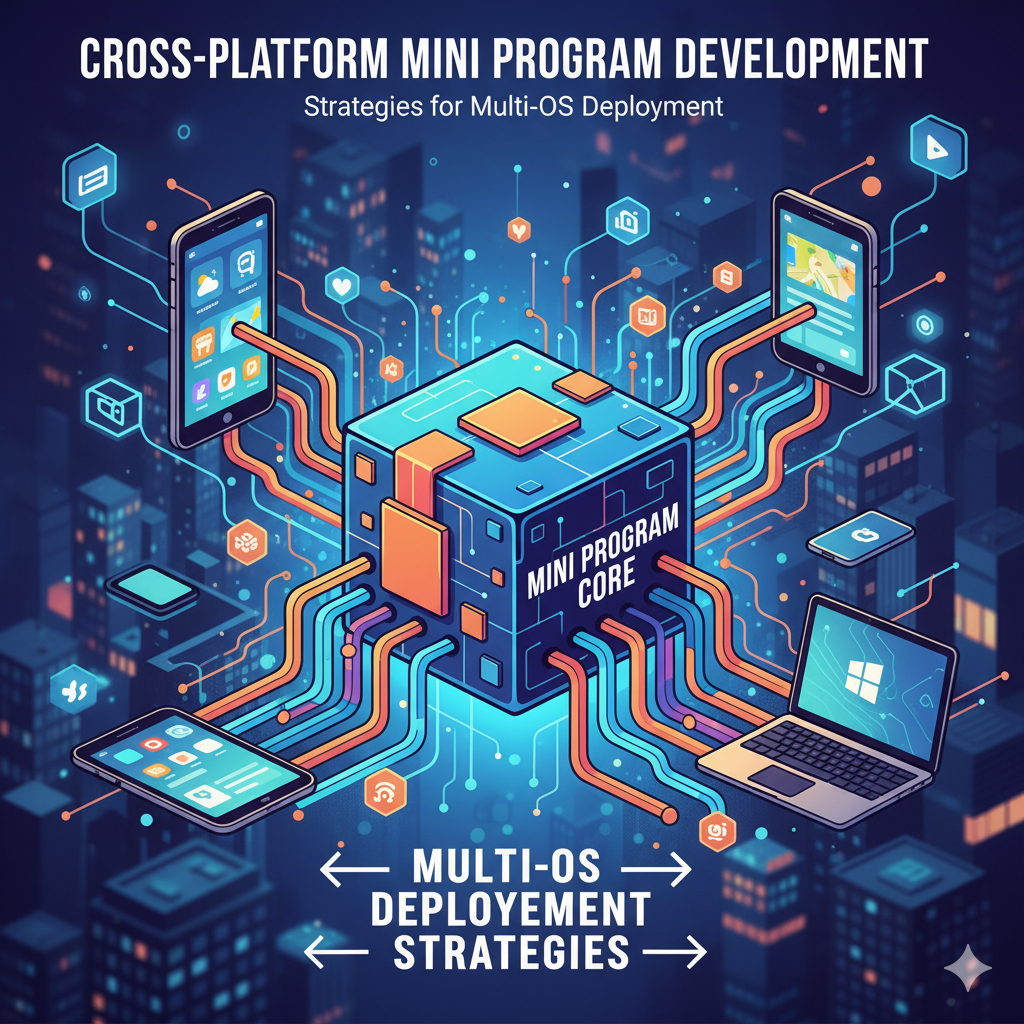
Building mini-programs that work consistently across iOS, Android, HarmonyOS, Windows, macOS, and emerging platforms requires specific architectural approaches and tooling decisions. Unlike traditional native applications that target single operating systems, cross-platform mini-programs must adapt to diverse runtime environments while maintaining performance, security, and user experience standards. This guide explores practical strategies for developing mini-programs that deploy successfully across multiple platforms, addressing technical challenges from rendering engines to native capability access.
Understanding Cross-Platform Runtime Environments
Different platforms implement mini-program runtimes with varying technical foundations. iOS typically uses JavaScriptCore or optimized WebKit derivatives, Android employs V8 or custom JavaScript engines, HarmonyOS utilizes Ark Compiler runtime, while desktop environments may leverage Chromium Embedded Framework or Electron-based approaches. These runtime differences affect JavaScript execution performance, memory management, and garbage collection behavior.
Successful cross-platform development begins with abstraction layers that normalize these runtime differences. Rather than coding directly against platform-specific APIs, developers should work through intermediate interfaces that translate calls appropriately for each target environment. This approach resembles how React Native or Flutter operate but optimized for the lighter weight requirements of mini-program architectures. The abstraction layer should handle differences in event loops, rendering pipelines, and storage access patterns.
Rendering presents particular challenges across platforms. While most environments support some form of WebView or custom rendering engine, performance characteristics vary significantly. iOS WKWebView delivers excellent scrolling performance but has different CSS and JavaScript interaction models than Android's WebView or Chromium derivatives. HarmonyOS NEXT introduces its own rendering pipeline optimized for Ark runtime. Cross-platform solutions must either standardize on the lowest common denominator or implement adaptive rendering that optimizes for each platform's strengths.
Architectural Patterns for Platform Independence
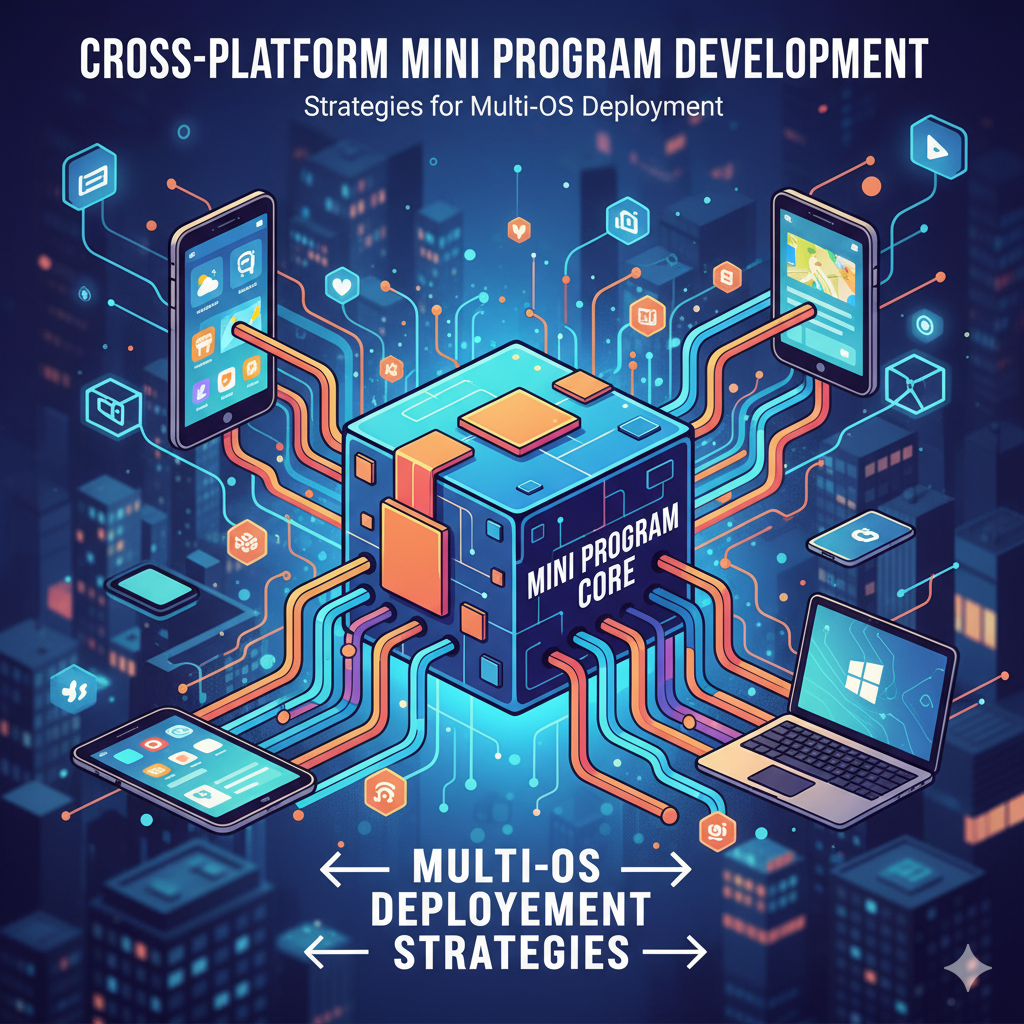
Container-based architectures provide the most reliable foundation for cross-platform mini-program deployment. By encapsulating mini-programs within standardized containers, developers can ensure consistent execution environments regardless of underlying platform specifics. These containers manage resource allocation, security boundaries, and native API access through well-defined interfaces that adapt to host platform capabilities.
The container approach separates mini-program logic from platform integration concerns. Mini-programs developed against container APIs can deploy to any platform that supports the container runtime, regardless of operating system differences. This pattern has proven particularly valuable in enterprise environments where applications must support employee devices across iOS, Android, Windows, and specialized hardware. Organizations using standardized container runtimes report 60% reduction in development costs compared to maintaining separate codebases for each platform.
Communication between mini-programs and host applications requires careful design. Platform-specific native capabilities—camera access, geolocation, biometric authentication—must be exposed through consistent interfaces that work across all supported environments. Bridge architectures that translate mini-program API calls to native implementations handle this complexity. Successful implementations maintain compatibility with existing mini-program ecosystems while extending support to additional platforms, enabling developers to reach broader audiences without rewriting existing code.
Development Workflow and Tooling Considerations
Effective cross-platform development requires tooling that supports simultaneous testing across multiple target environments. Continuous integration pipelines should include automated testing on iOS simulators, Android emulators, HarmonyOS preview environments, and desktop platforms. Cloud-based device farms and testing services can provide access to diverse hardware configurations without requiring local device inventories.
Build systems must support conditional compilation and platform-specific resource management. Mini-programs may need different asset bundles for various screen densities, icon formats per platform guidelines, or localization files optimized for regional distributions. Modern build tools like Webpack, Vite, or esbuild can be configured to generate platform-optimized bundles while sharing common source code. Plugin architectures that inject platform-specific polyfills or shims during build time help maintain single codebase simplicity.
Debugging and profiling tools should provide consistent experiences across platforms. While each operating system offers native debugging utilities, cross-platform developers benefit from unified tools that present normalized views of application behavior. Performance profiling should account for platform-specific characteristics—JavaScript execution may be CPU-bound on some platforms and memory-bound on others, requiring different optimization strategies. Memory leak detection must understand each platform's garbage collection patterns and memory management approaches.
Testing and Quality Assurance Strategies
Cross-platform testing extends beyond functional verification to include performance benchmarking, memory usage analysis, and user experience validation across diverse device configurations. Testing matrices should account for operating system versions, device capabilities, screen sizes, and input methods. Automated testing frameworks should execute the same test suites across all target platforms, with allowances for platform-specific assertions where necessary.
User experience testing requires particular attention to platform conventions. Navigation patterns, gesture recognition, and animation timing differ across iOS, Android, and other platforms. Successful cross-platform mini-programs adapt to these conventions rather than imposing a single experience everywhere. A/B testing can help determine which platform adaptations yield the best user engagement metrics, with results informing future design decisions.
Security testing must validate that platform isolation mechanisms function correctly across all deployment targets. Sandbox boundaries, data encryption, and secure storage implementations may vary between platforms, requiring comprehensive security audits. Penetration testing should include attempts to breach container isolation, intercept inter-process communication, and access unauthorized native capabilities. Compliance with platform-specific security requirements—such as Apple's App Transport Security or Android's Scoped Storage—must be verified for each target environment.
Deployment and Update Management
Deployment strategies for cross-platform mini-programs must accommodate different distribution channels. While mobile platforms typically use app stores, desktop environments may support direct downloads or enterprise distribution systems. Update mechanisms should work consistently across all channels, with version synchronization ensuring users receive compatible updates regardless of how they obtained the application.
Hot update capabilities provide significant advantages for cross-platform deployment. Rather than requiring users to download updated applications through platform stores, mini-programs can receive updates directly within their containerized environments. This approach reduces friction for users and enables rapid iteration cycles. In financial services implementations, organizations using hot update systems report 53% improvement in feature adoption rates compared to traditional app store update processes.
Monitoring and analytics should provide unified views of application performance across all platforms. Error tracking, performance metrics, and usage analytics should be aggregated with platform context to identify environment-specific issues. Real-time monitoring can detect platform-specific regressions following updates, enabling rapid response before issues affect large user segments. Business intelligence tools should segment data by platform to inform product decisions and resource allocation.
Getting Started with Cross-Platform Mini Programs
Organizations beginning cross-platform mini-program development should start with clear requirements definition across target platforms. Document must-have features, nice-to-have capabilities, and platform-specific requirements before architectural decisions. Prototyping key user flows on representative devices from each target platform helps identify compatibility challenges early in the development cycle.
Technical proof-of-concepts should validate core architectural assumptions, particularly around performance-critical operations. Rendering complex interfaces, handling large datasets, and integrating with native capabilities should be tested on the least capable target devices to establish performance baselines. These tests inform decisions about architecture complexity and feature prioritization.
Container SDKs that support cross-platform deployment reduce initial development investment. Lightweight SDKs under 3MB enable integration into existing applications without bloating application size. These SDKs should provide consistent APIs across all supported platforms while handling platform adaptation internally. Security sandboxing at the device level ensures isolation between mini-programs and host applications, maintaining data protection regardless of deployment environment.
For teams ready to begin implementation, SDKs that support iOS, Android, Windows, macOS, Linux, HarmonyOS NEXT, and IoT platforms provide the broadest reach. The container model's cross-platform compatibility allows mini-programs to run consistently across diverse environments without platform-specific modifications. This approach has demonstrated success in enterprise deployments where applications must support varied device ecosystems.
Download container SDKs and start running mini-programs today. Get SDK